Capture both sides
Use bright, even light and a clean background to photograph the front and back.
 Grader: Sports Card Scanner
Reference · Made for iPhone
Grader: Sports Card Scanner
Reference · Made for iPhone
AI card grader for iPhone
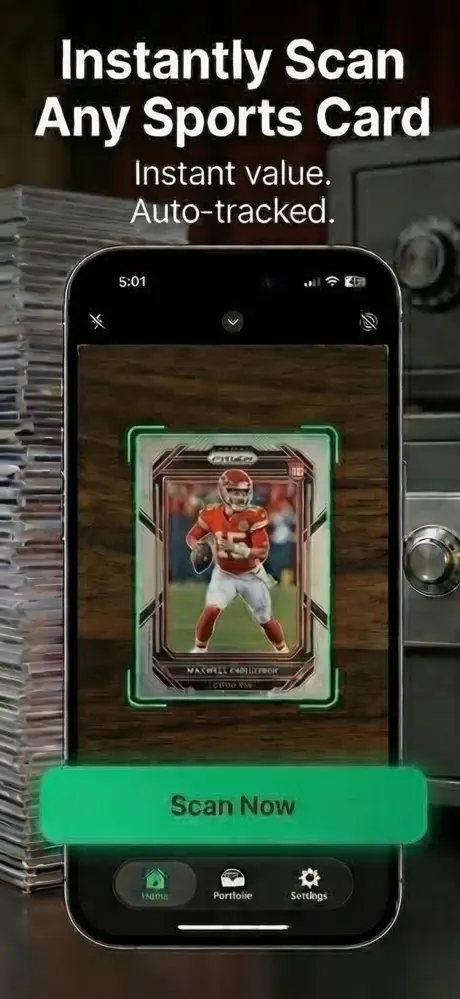
Grader identifies a card from photos, estimates its condition across visible grading factors and adds price context from recent sales data. Use it to decide what deserves deeper research before paying for professional grading.
Quick answer
An AI card grader analyzes card photos for visible factors such as centering, corners, edges and surface, then returns an estimated grade. That estimate is a screening tool—not an official PSA, BGS, CGC or SGC grade—and photo quality can change the result.
How it works
The app handles the fast first pass. You keep control of the final check, especially when condition, safety or accuracy matters.
Use bright, even light and a clean background to photograph the front and back.
Check the identified set, year and player plus the estimated condition factors.
Review recent sales and grading costs before choosing professional grading.
App preview
These are current product images supplied through the live App Store listing.
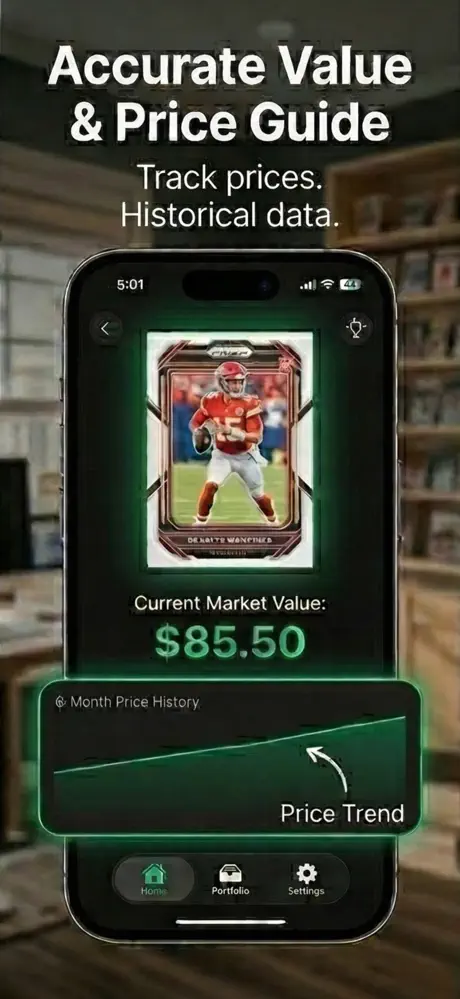
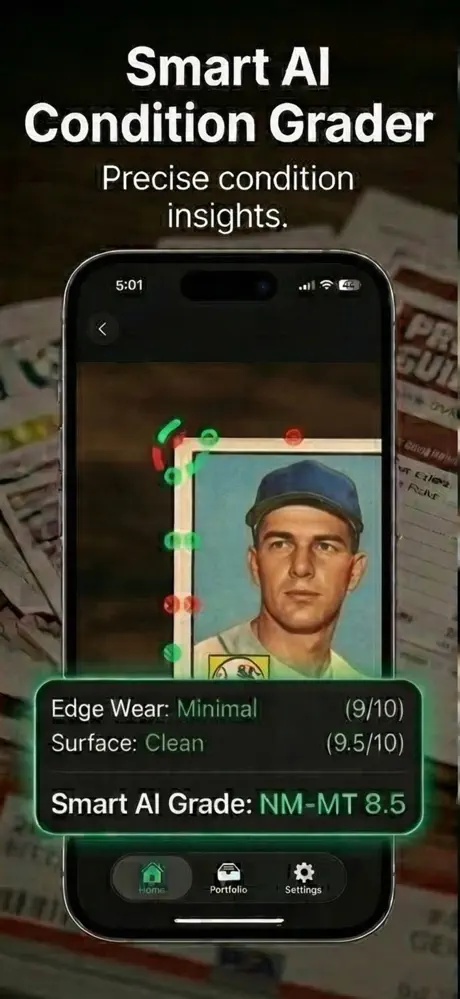
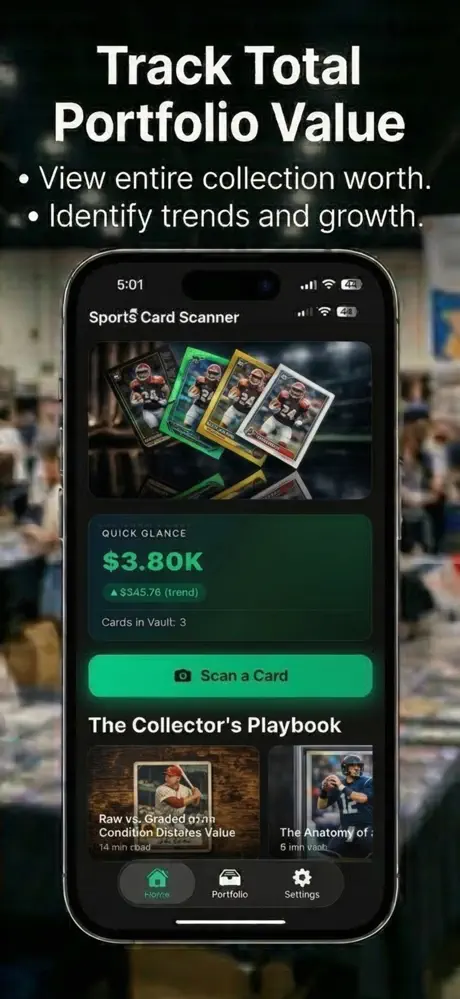
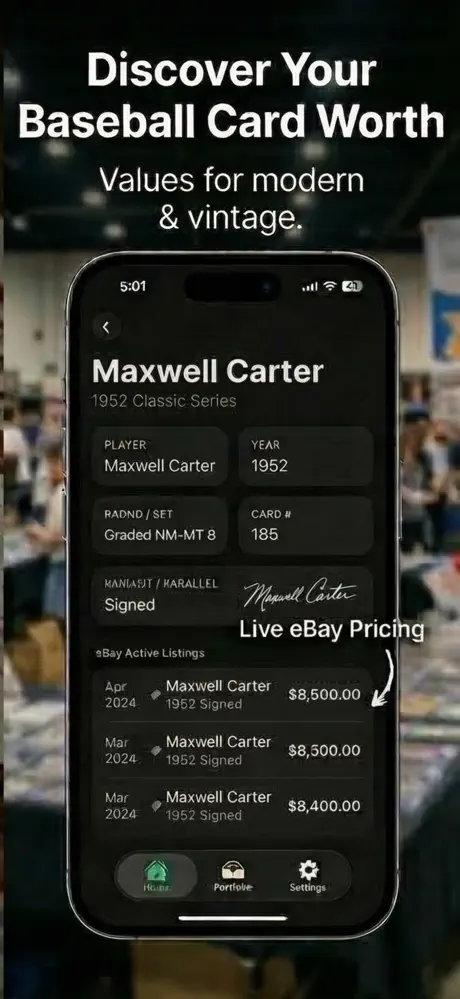
Product capabilities and purchase options were checked against the current App Store listing. The listing remains the source of truth for availability and pricing.
What it does
No padded feature list—just the core workflow described in the current product listing.
Screen centering, corners, edges and surface from card photos.
Identify the player or character, year and set from a scan.
Review market information intended to support further value research.
Catalog cards and monitor the estimated value of a collection.
Guides & free tools
Use the app for the camera-first workflow, then use these focused resources for the details around it.
Compare raw value, grading cost, expected grade, and graded-sale comps.
Learn more → Related resourceMeasure left, right, top, and bottom borders before grading a card.
Learn more → Related resourceAnother collector tool for identifying value in physical items.
Learn more →Frequently asked questions
Short, specific answers about what Grader: Sports Card Scanner can—and cannot—do.
An app can estimate visible condition factors from photos. Only a professional grading company can authenticate, encapsulate and assign an official grade.
The current App Store listing includes baseball, basketball, football, hockey, Pokémon TCG, Yu-Gi-Oh and Magic: The Gathering cards.
It provides price context to help with research. Card value still depends on the exact variation, authenticity, condition and current market.
No. Inspect the card yourself, compare recent sales, include all grading and shipping costs, and treat the AI result as one screening input.
Grader is free to download. The App Store listing says scan and price-estimate features require a subscription and mentions a trial with the weekly plan; confirm current terms in Apple’s purchase screen.
Made for iPhone
An AI card grader and sports card scanner for iPhone collectors. Free to download; Apple shows any optional purchase before you confirm.