Avoid direct contact
Keep hands away, do not disturb a web and use zoom rather than moving closer.
 Spider Identifier: Pest Scanner
Education · Made for iPhone
Spider Identifier: Pest Scanner
Education · Made for iPhone
spider identifier app for iPhone
Spider Identifier analyzes a photo and suggests a match for spiders and common household pests such as ticks, roaches, bed bugs and termites. Use the result to guide further research, not to diagnose a bite or decide whether medical care is needed.
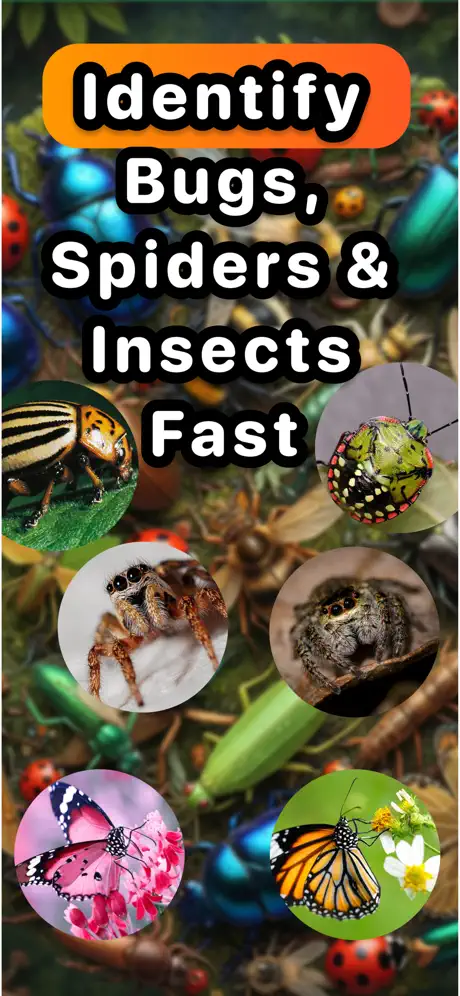
Quick answer
Photograph the spider without touching or cornering it, then upload the clearest image to Spider Identifier. The app compares visible features and suggests a match, but similar species, juvenile spiders and poor images can produce the wrong result.
How it works
The app handles the fast first pass. You keep control of the final check, especially when condition, safety or accuracy matters.
Keep hands away, do not disturb a web and use zoom rather than moving closer.
Include the body, legs and markings when they are visible from a safe position.
Compare the result with location and size, then ask a local expert when safety matters.
App preview
These are current product images supplied through the live App Store listing.
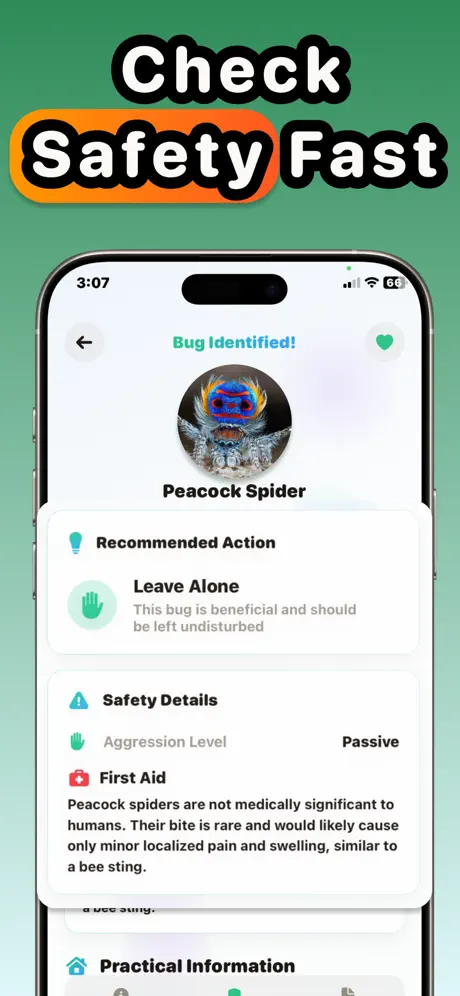
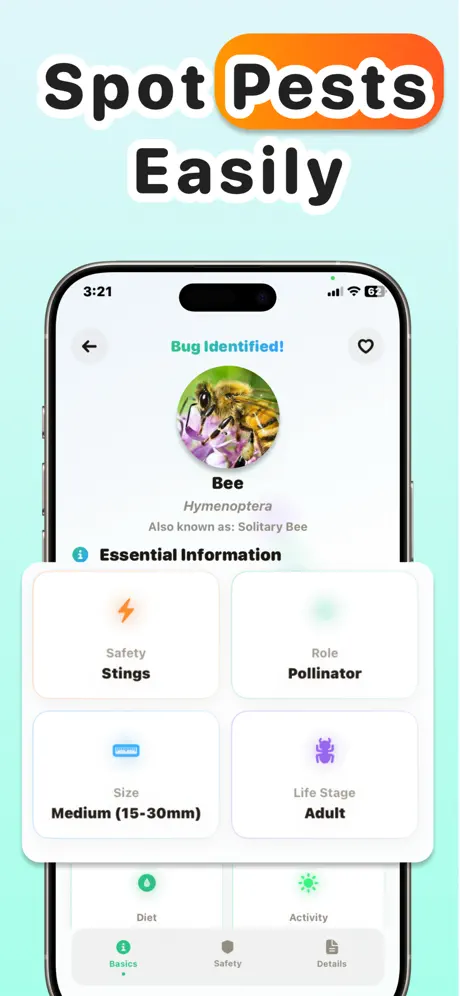
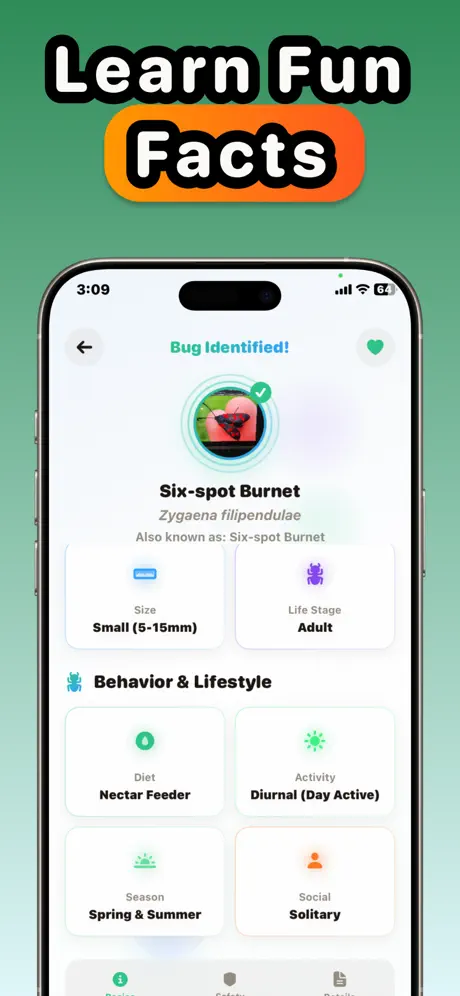
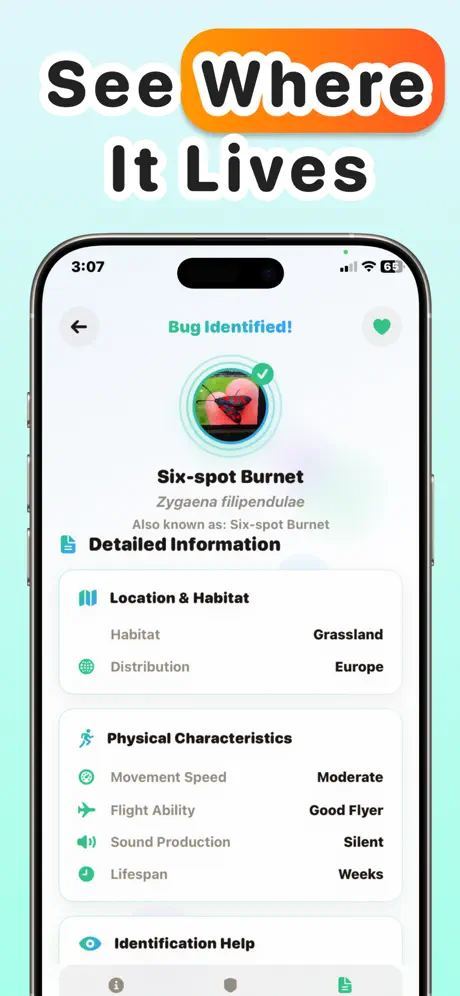
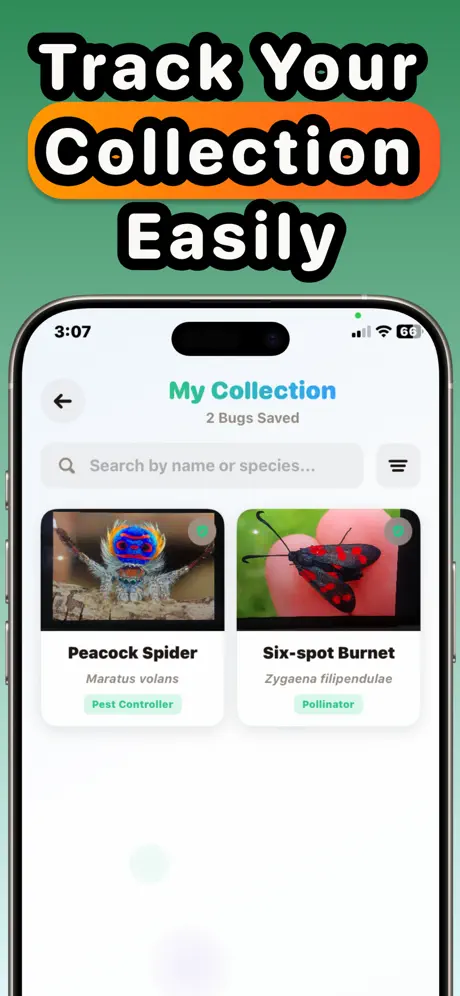
Product capabilities and purchase options were checked against the current App Store listing. The listing remains the source of truth for availability and pricing.
What it does
No padded feature list—just the core workflow described in the current product listing.
Upload a camera image and get a suggested spider match.
Scan ticks, roaches, bed bugs, termites, ants, wasps, moths and other insects.
Review information associated with the suggested species or pest.
Use a visual result to decide what details to document for an expert or pest professional.
Guides & free tools
Use the app for the camera-first workflow, then use these focused resources for the details around it.
Frequently asked questions
Short, specific answers about what Spider Identifier: Pest Scanner can—and cannot—do.
Yes. Spider Identifier analyzes visible features in a photo and suggests a match. Keep a safe distance and treat uncertain results cautiously.
Yes. Its current App Store listing includes ticks, roaches, bed bugs, termites, ants, wasps, bees, moths, fleas, lice and flies.
Do not rely on an app to diagnose a bite from skin symptoms. Many bites and rashes look alike; contact a clinician or local medical service when symptoms are concerning.
It can suggest a species, but it cannot guarantee an identification. Avoid handling the spider and use a qualified local expert when the answer affects safety.
The app is free to download. The current App Store listing includes optional weekly and yearly subscriptions; Apple shows the current terms before purchase.
Made for iPhone
A spider identifier app for a fast visual starting point. Free to download; Apple shows any optional purchase before you confirm.