Enable the keyboard
Install Fluxkey and follow the in-app steps to add its keyboard in iOS Settings.
 Paraphrase Tool: Fluxkey
Productivity · Made for iPhone
Paraphrase Tool: Fluxkey
Productivity · Made for iPhone
paraphrase app for iPhone
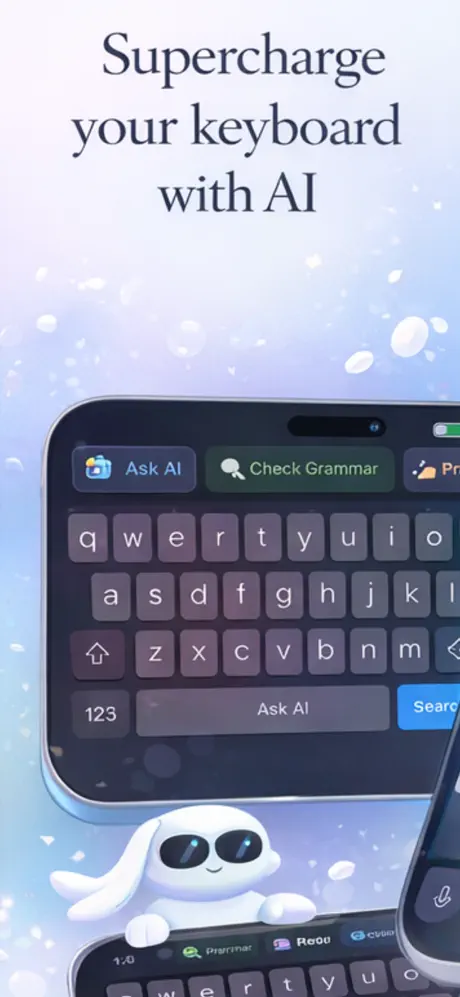
Fluxkey brings rewriting tools into an iOS keyboard so you can rephrase a message, adjust its tone or shorten text without repeatedly switching apps. Review every suggestion before sending or submitting it.
Quick answer
A paraphrase app rewrites text while preserving the intended meaning. Fluxkey adds that workflow to an iOS keyboard, allowing you to select text and request a rewrite, tone adjustment or summary inside compatible apps.
How it works
The app handles the fast first pass. You keep control of the final check, especially when condition, safety or accuracy matters.
Install Fluxkey and follow the in-app steps to add its keyboard in iOS Settings.
Open a compatible app and choose the sentence or paragraph you want to revise.
Choose a writing action, check the output for accuracy and edit it in your own voice.
App preview
These are current product images supplied through the live App Store listing.
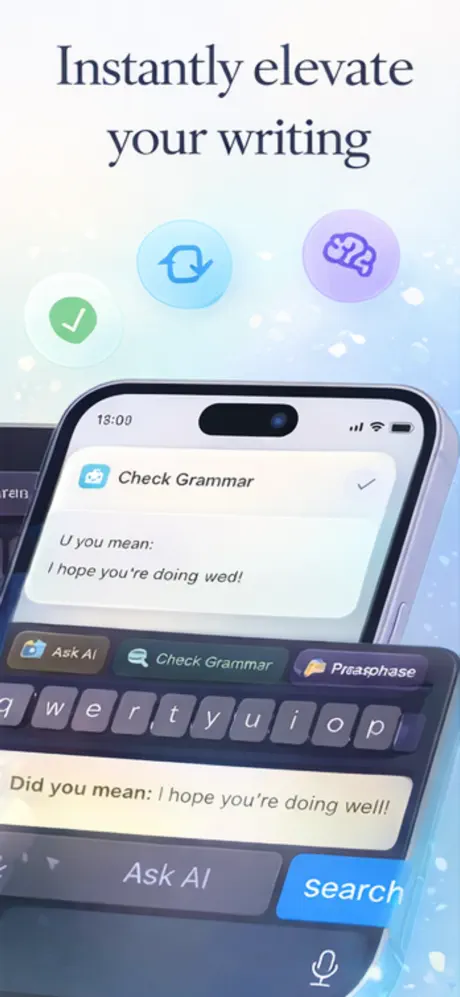
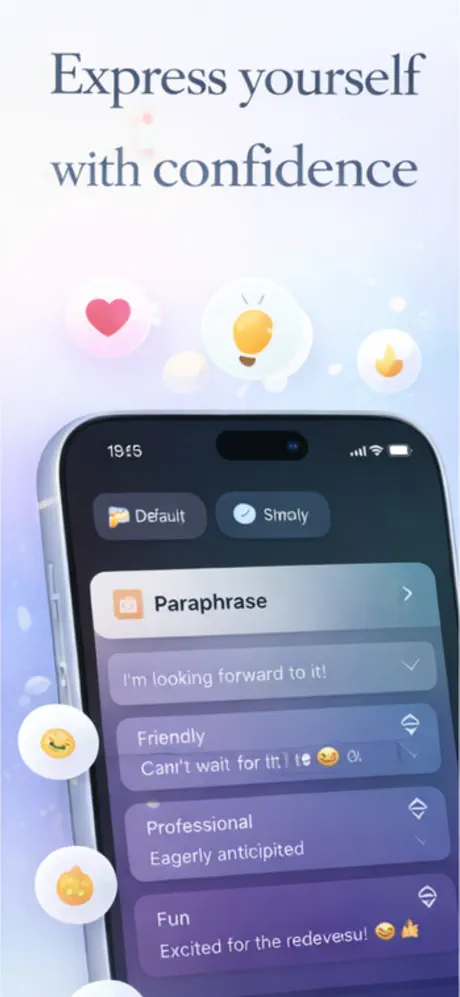
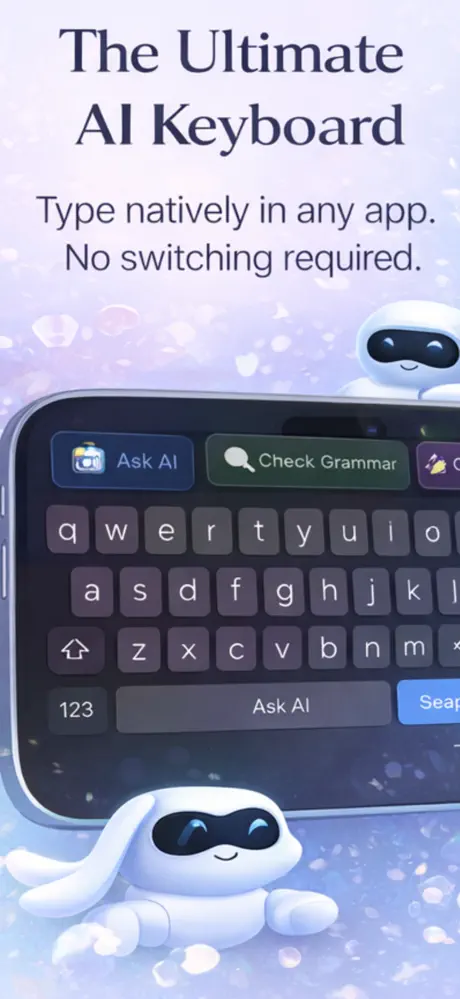
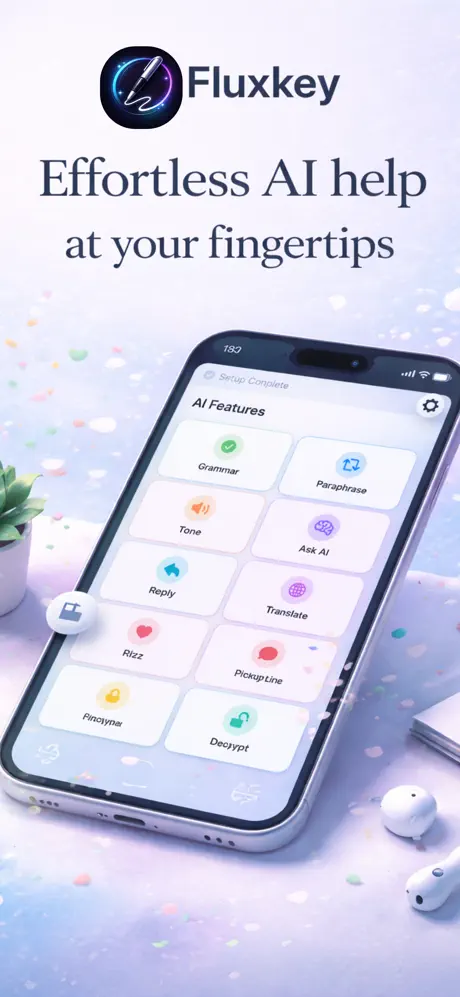
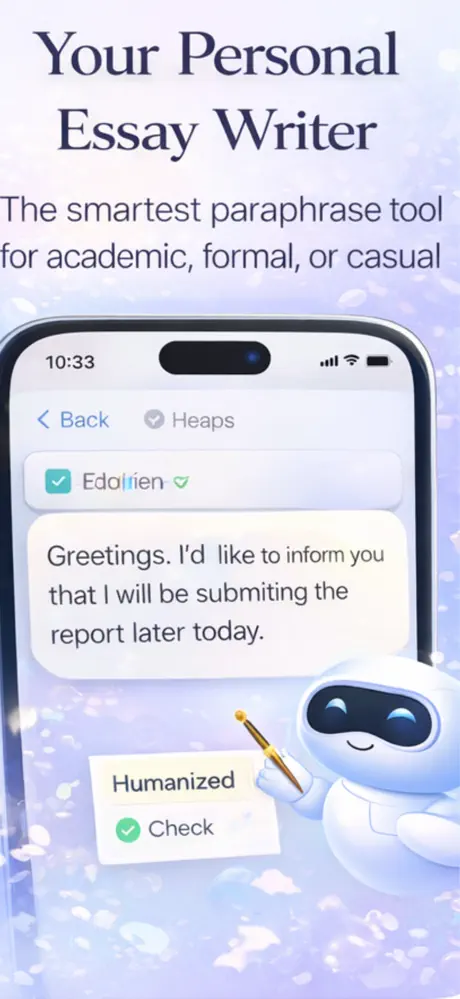
Product capabilities and purchase options were checked against the current App Store listing. The listing remains the source of truth for availability and pricing.
What it does
No padded feature list—just the core workflow described in the current product listing.
Paraphrase selected text from the keyboard instead of moving it between apps.
Change a draft toward a more formal, casual or concise style.
Condense longer passages into a shorter starting point.
Use AI suggestions to spot and revise awkward or unclear phrasing.
Guides & free tools
Use the app for the camera-first workflow, then use these focused resources for the details around it.
Frequently asked questions
Short, specific answers about what Paraphrase Tool: Fluxkey can—and cannot—do.
Fluxkey rewrites selected text, changes tone and summarizes passages through an iOS keyboard. It is designed to work inside compatible apps.
Yes. After enabling the Fluxkey keyboard, you can use its rewriting actions while composing in supported iPhone apps.
Yes. You can use it for email drafts, messages, captions and other text, then review the suggestion before sending.
No. AI output can retain phrases, alter meaning or contain mistakes. Review it carefully and follow any attribution, academic integrity or workplace requirements.
Fluxkey is free to download. The App Store listing also shows optional weekly and yearly subscriptions; Apple presents current prices before purchase.
Made for iPhone
An iPhone paraphrase app built into an AI keyboard. Free to download; Apple shows any optional purchase before you confirm.