Connect your speaker
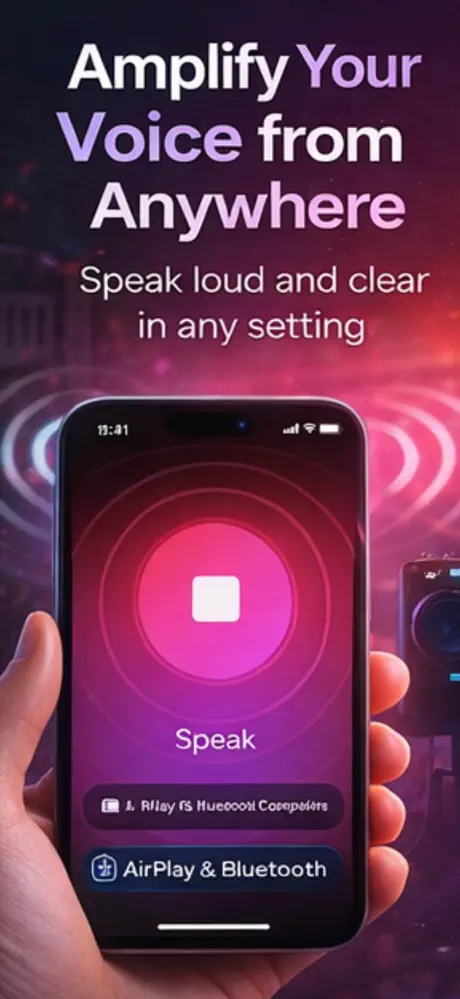
Pair a Bluetooth speaker or select a compatible AirPlay audio device in iOS.
 Mic to Speaker: Microphone
Tools & Utilities · Made for iPhone
Mic to Speaker: Microphone
Tools & Utilities · Made for iPhone
iPhone microphone app for iPhone
Mic to Speaker turns an iPhone into a wireless microphone for announcements, presentations and karaoke. Connect an audio output, start the live mic and apply an optional voice effect while you speak.
Quick answer
Yes. With Mic to Speaker, your iPhone captures your voice and sends it to a connected Bluetooth speaker or AirPlay device. Wireless audio can introduce a delay, so test the setup before a presentation or performance.
How it works
The app handles the fast first pass. You keep control of the final check, especially when condition, safety or accuracy matters.
Pair a Bluetooth speaker or select a compatible AirPlay audio device in iOS.
Launch Mic to Speaker, choose your audio route and start microphone output.
Adjust the volume carefully and add an optional robot, echo or cave effect.
App preview
These are current product images supplied through the live App Store listing.

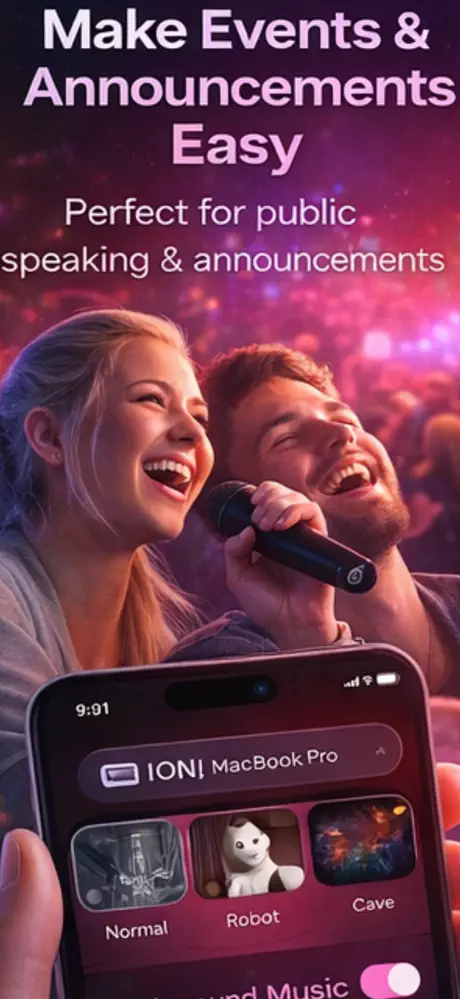
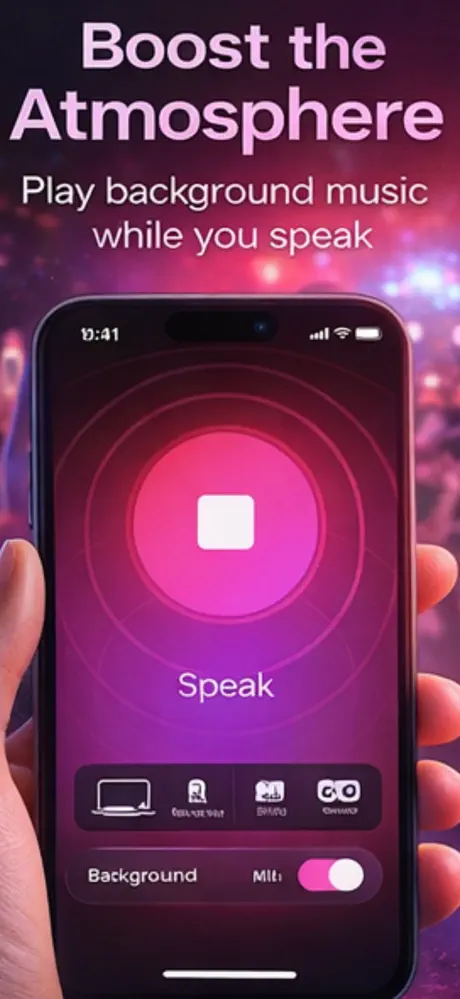
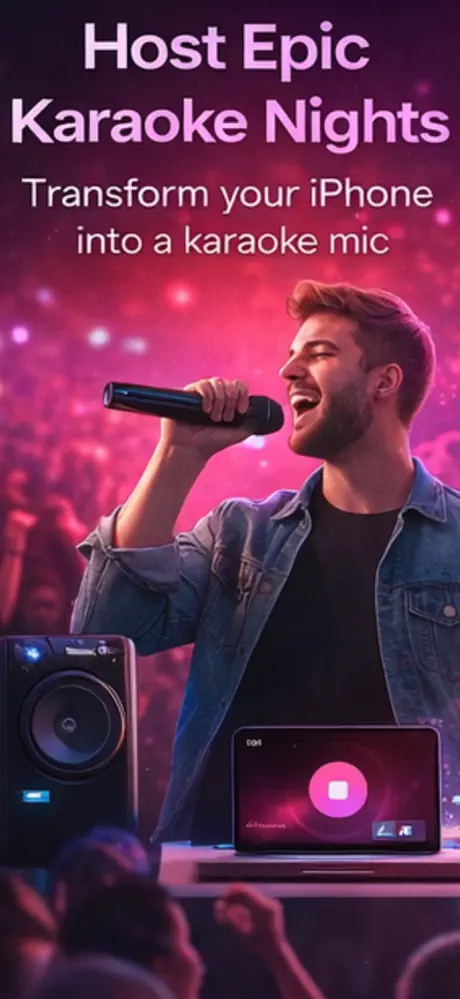
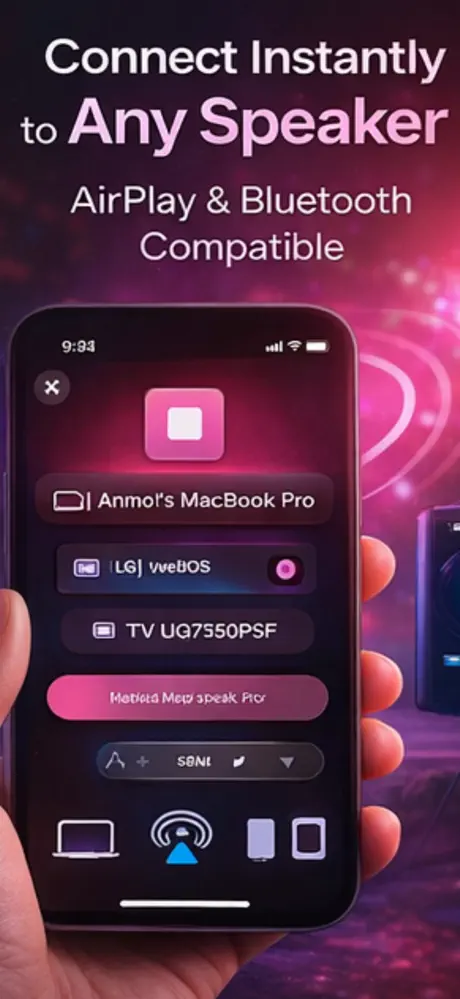
Product capabilities and purchase options were checked against the current App Store listing. The listing remains the source of truth for availability and pricing.
What it does
No padded feature list—just the core workflow described in the current product listing.
Stream microphone input from the iPhone to a connected speaker.
Use a portable speaker for small announcements, teaching or presentations.
Add robot, echo and cave-style effects while speaking or singing.
A simple setup for parties, practice sessions and informal events.
Guides & free tools
Use the app for the camera-first workflow, then use these focused resources for the details around it.
Record or upload a clip, apply eight effects, preview the result, and download a WAV.
Learn more → Related resourceCompare six robot styles and listen before downloading the processed clip.
Learn more → Related resourceSet up live speaker output, manage wireless delay, and prevent feedback.
Learn more → Related resourceBalance music, microphone, voice effects, speaker placement, and recording.
Learn more →Frequently asked questions
Short, specific answers about what Mic to Speaker: Microphone can—and cannot—do.
Connect a Bluetooth speaker or AirPlay device, open Mic to Speaker, select the audio route and start the live microphone. Raise the output volume gradually to avoid feedback.
It is designed for Bluetooth speakers and AirPlay devices. Compatibility and audio delay can vary by speaker model and iOS audio route.
Yes. The app supports live microphone output and optional voice effects for informal karaoke sessions.
Some delay is normal with wireless audio. The amount depends on the speaker, connection and audio route, so wired or low-latency equipment may suit timing-critical uses better.
The app is free to download. Its App Store listing shows optional weekly and yearly subscription plans; Apple displays current pricing before purchase.
Made for iPhone
Send your voice to a Bluetooth speaker or AirPlay device. Free to download; Apple shows any optional purchase before you confirm.