Scan the package
Use the barcode scanner or capture the ingredient label with your iPhone camera.
 Allergy & Food Scanner: Ryla
Health & Safety · Made for iPhone
Allergy & Food Scanner: Ryla
Health & Safety · Made for iPhone
food scanner app for iPhone
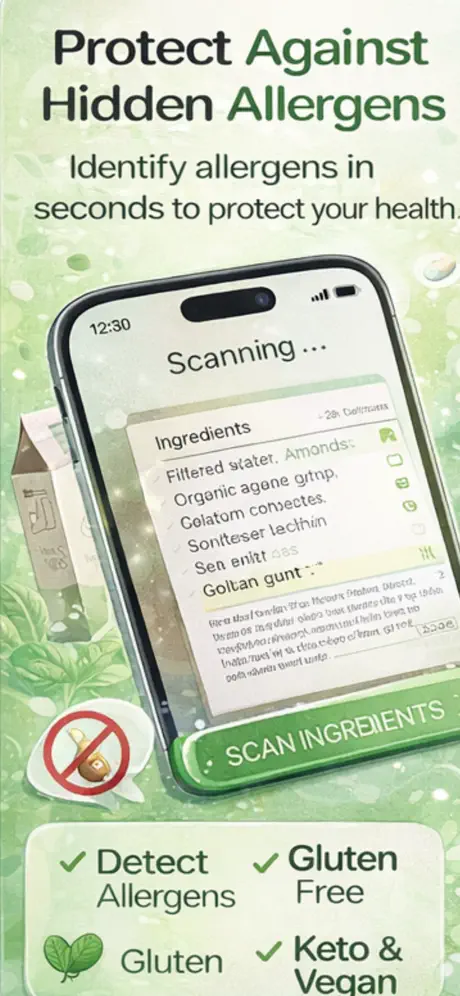
Ryla combines barcode scanning and label reading to help you review allergens, additives and diet preferences while you shop. Scan a product, review the result and confirm anything critical against the package in your hand.
Quick answer
Ryla is an iPhone food scanner app that reads a barcode or ingredient label and organizes the result around allergens, additives and selected diets. It is designed for a faster first check at the store, not as a replacement for the manufacturer label or medical advice.
How it works
The app handles the fast first pass. You keep control of the final check, especially when condition, safety or accuracy matters.
Use the barcode scanner or capture the ingredient label with your iPhone camera.
Check the allergens, additives and diet-related ingredients organized in the result.
Compare the result with the physical package, especially for a severe allergy or intolerance.
App preview
These are current product images supplied through the live App Store listing.
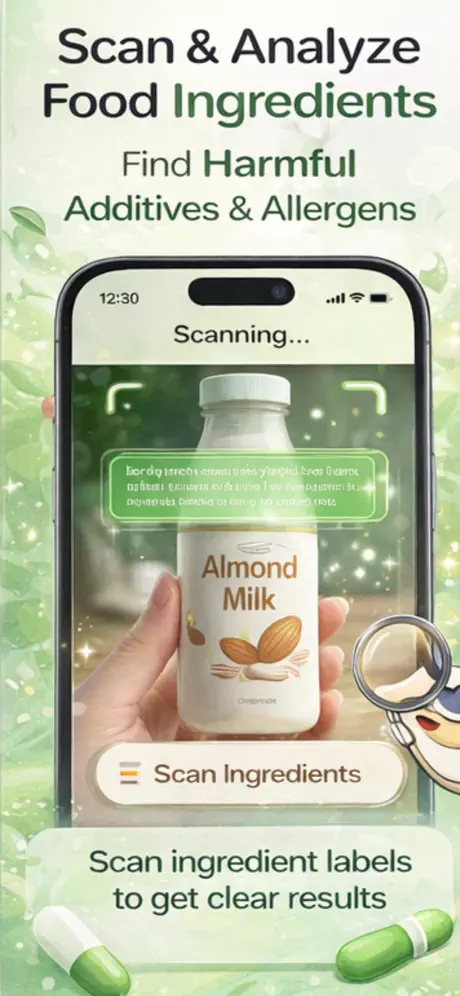
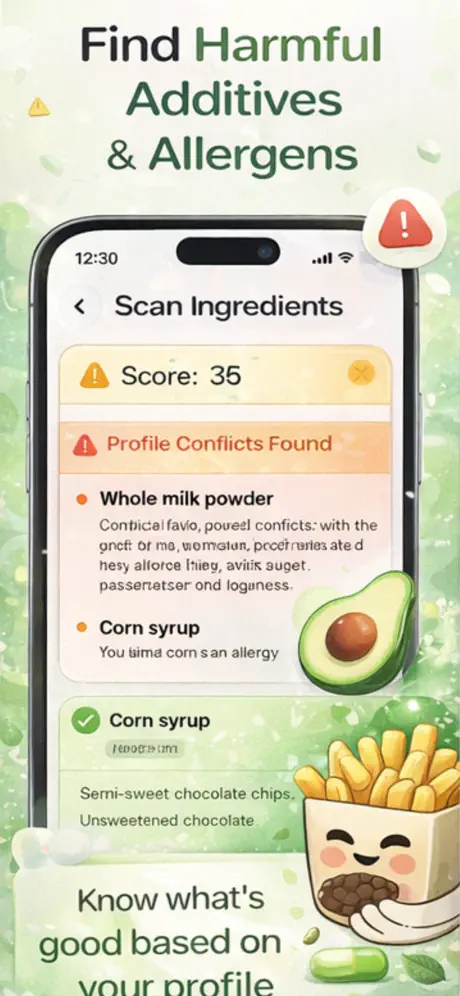
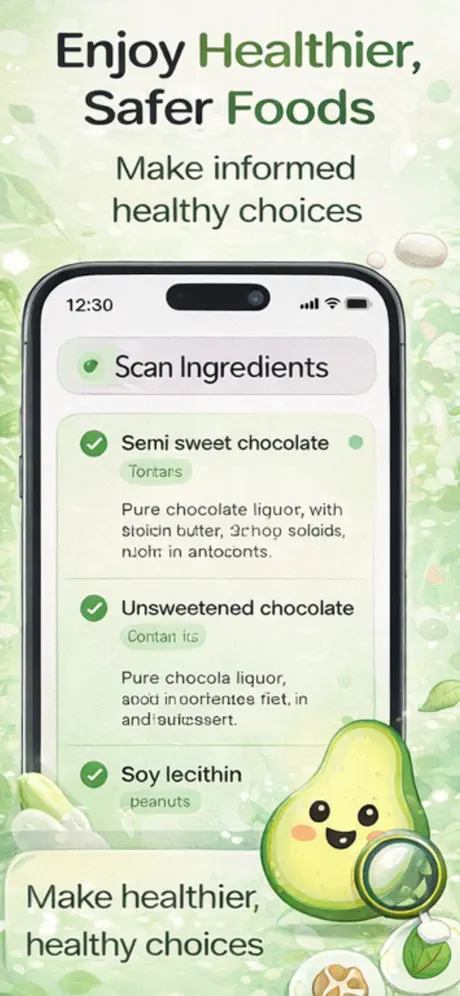
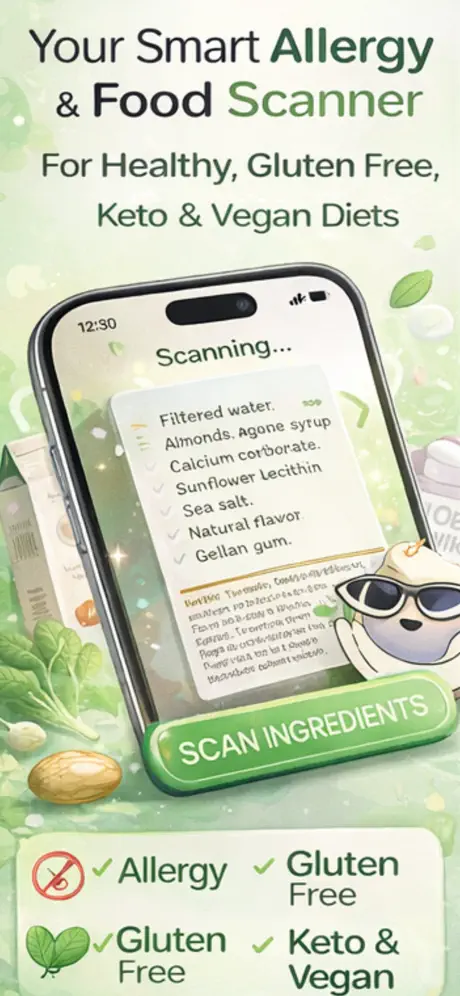
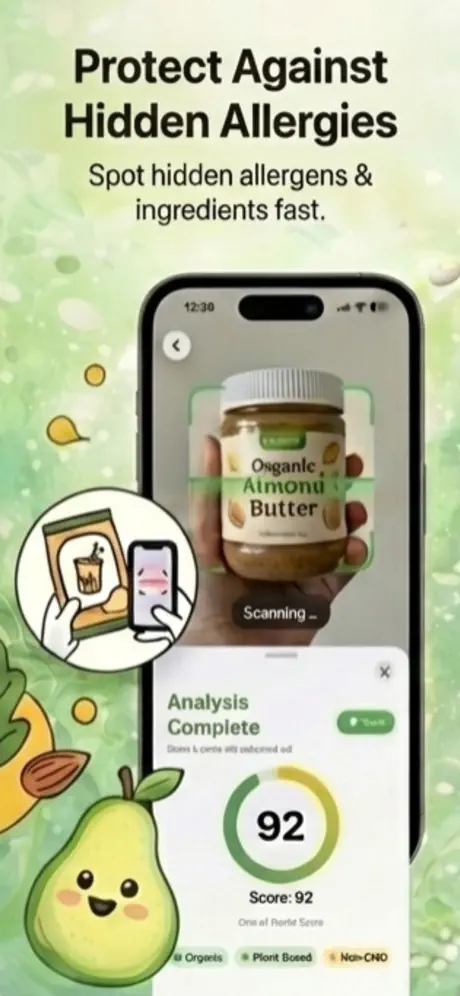
Product capabilities and purchase options were checked against the current App Store listing. The listing remains the source of truth for availability and pricing.
What it does
No padded feature list—just the core workflow described in the current product listing.
Use a product barcode or OCR label scan instead of manually searching every ingredient.
Review common allergens such as nuts, eggs, soy, shellfish, gluten and dairy in one result.
Look for listed color additives and other ingredients, including Red 40 and Yellow 5.
Use the scan as a starting point for vegan, keto, Paleo and other selected preferences.
Guides & free tools
Use the app for the camera-first workflow, then use these focused resources for the details around it.
Paste a label and flag wheat, barley, rye, malt, oats, and cross-contact terms.
Learn more → Related resourcePaste a label and flag milk, egg, peanut, tree nut, wheat, soy, fish, shellfish, sesame, and gluten terms.
Learn more → Related resourceBrowse product-specific gluten, dairy, nut, soy, egg, and fish checks.
Learn more → Related resourceOne of the highest-impression Ryla checks from Search Console.
Learn more →Frequently asked questions
Short, specific answers about what Allergy & Food Scanner: Ryla can—and cannot—do.
A food scanner app uses a product barcode or a photo of the label to make ingredient information easier to review. Ryla groups its scan results around allergens, additives and selected diet preferences.
Yes. Ryla is designed to flag listed allergens such as nuts, eggs, soy, shellfish, gluten and dairy. Always verify a critical result against the package because recipes and cross-contact warnings can change.
Ryla can help screen the scanned ingredient information for gluten-related terms. It cannot guarantee that a food is safe for celiac disease, so also check certification and cross-contact statements.
Yes. The current App Store listing describes both barcode scanning and OCR that reads printed ingredient labels.
Ryla is free to download. The current App Store listing also offers optional weekly and yearly subscriptions for premium content; prices are shown by Apple before purchase.
Made for iPhone
A food scanner app that makes crowded labels easier to check. Free to download; Apple shows any optional purchase before you confirm.