Allow microphone access
Open Measure Decibels and grant microphone permission for live sound input.
 Measure Decibels
Tools & Utilities · Made for iPhone
Measure Decibels
Tools & Utilities · Made for iPhone
decibel meter app for iPhone
Measure Decibels uses the iPhone microphone to display real-time sound levels, frequency information and measurement history. It is useful for awareness and comparisons, while calibrated equipment remains the right choice for compliance or professional acoustic work.
Quick answer
Yes. A decibel meter app can use the iPhone microphone to estimate the surrounding sound level in dB. Results vary with the phone, case, microphone condition and calibration, so an app reading should not replace a certified sound level meter where accuracy or compliance matters.
How it works
The app handles the fast first pass. You keep control of the final check, especially when condition, safety or accuracy matters.
Open Measure Decibels and grant microphone permission for live sound input.
Keep the microphone unobstructed and avoid changing position during a comparison.
Review the live dB value, frequency display and saved history in context.
App preview
These are current product images supplied through the live App Store listing.
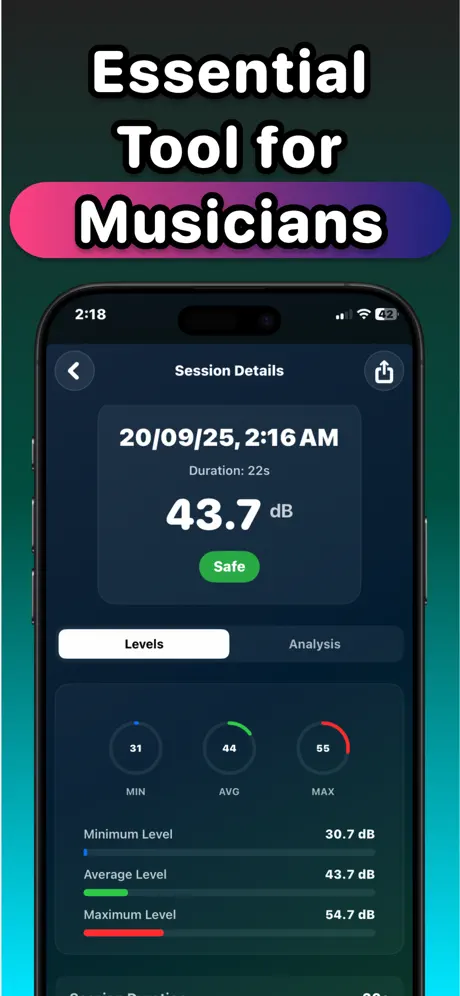
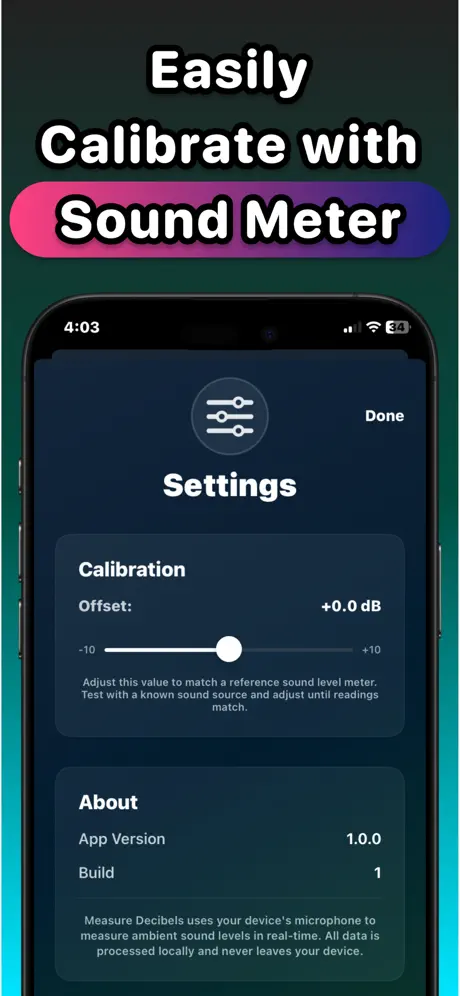
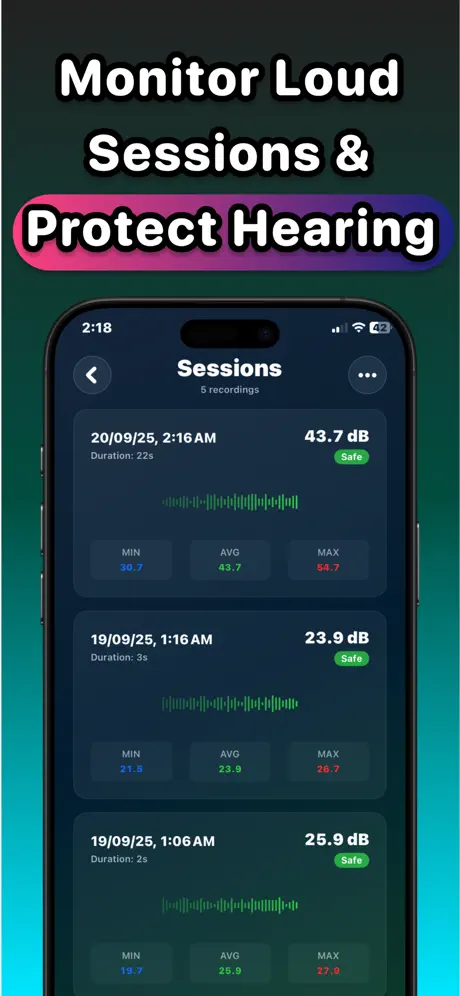
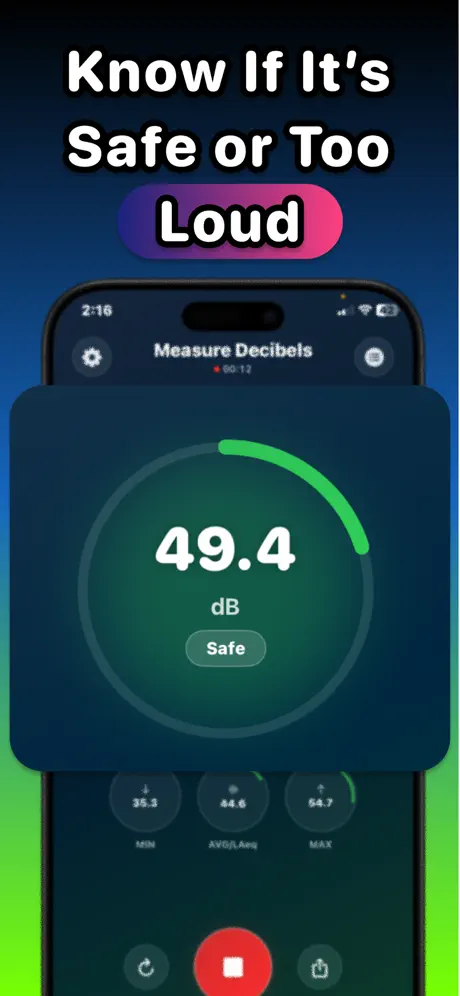
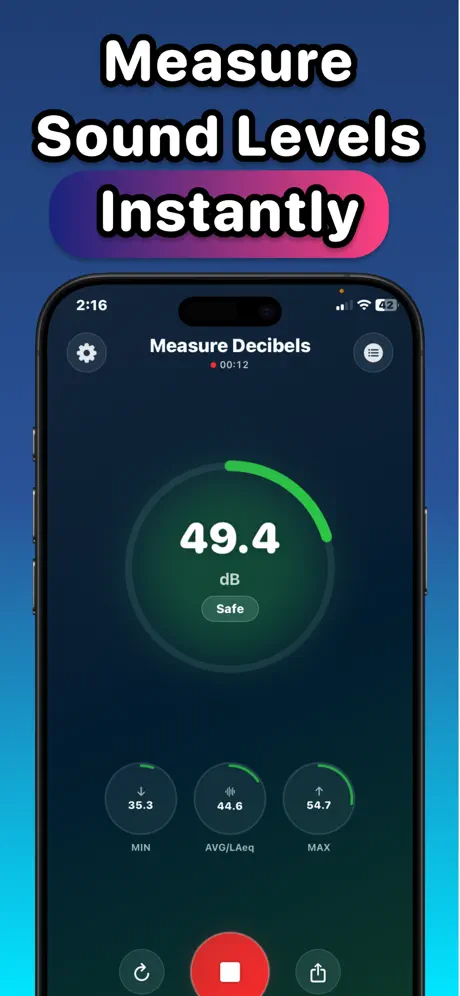
Product capabilities and purchase options were checked against the current App Store listing. The listing remains the source of truth for availability and pricing.
What it does
No padded feature list—just the core workflow described in the current product listing.
See an immediate estimate of surrounding sound pressure level.
Review a visual breakdown of frequency information in the measured sound.
Track readings over time to compare environments or changes.
Use the phone already in your pocket for quick sound-awareness checks.
Guides & free tools
Use the app for the camera-first workflow, then use these focused resources for the details around it.
Estimate daily sound dose from decibel level and exposure time.
Learn more → Related resourceTry the free browser-based sound level meter.
Learn more → Related resourceCheck microphone input and levels directly in your browser.
Learn more →Frequently asked questions
Short, specific answers about what Measure Decibels can—and cannot—do.
Yes. Measure Decibels uses the iPhone microphone to estimate current sound levels and show them in dB.
Accuracy varies by iPhone model, microphone, case, environment and calibration. It is best for awareness and comparisons, not certified measurements.
Do not use a phone app as the only compliance measurement. Occupational decisions generally require approved, calibrated equipment and the applicable local standard.
Yes. The current App Store listing includes a frequency analyzer along with live dB readings and historical tracking.
The app is currently listed as free to download, with basic features described as free. Check the App Store purchase screen for the latest offer details.
Made for iPhone
A portable decibel meter app for quick environmental checks. Free to download; Apple shows any optional purchase before you confirm.